DESKTOP PROTOTYPE / 0.1.0
Galaxy Project Dashboard
Organize projects and local files in a navigable 3D galaxy, with search, notes and familiar list controls.
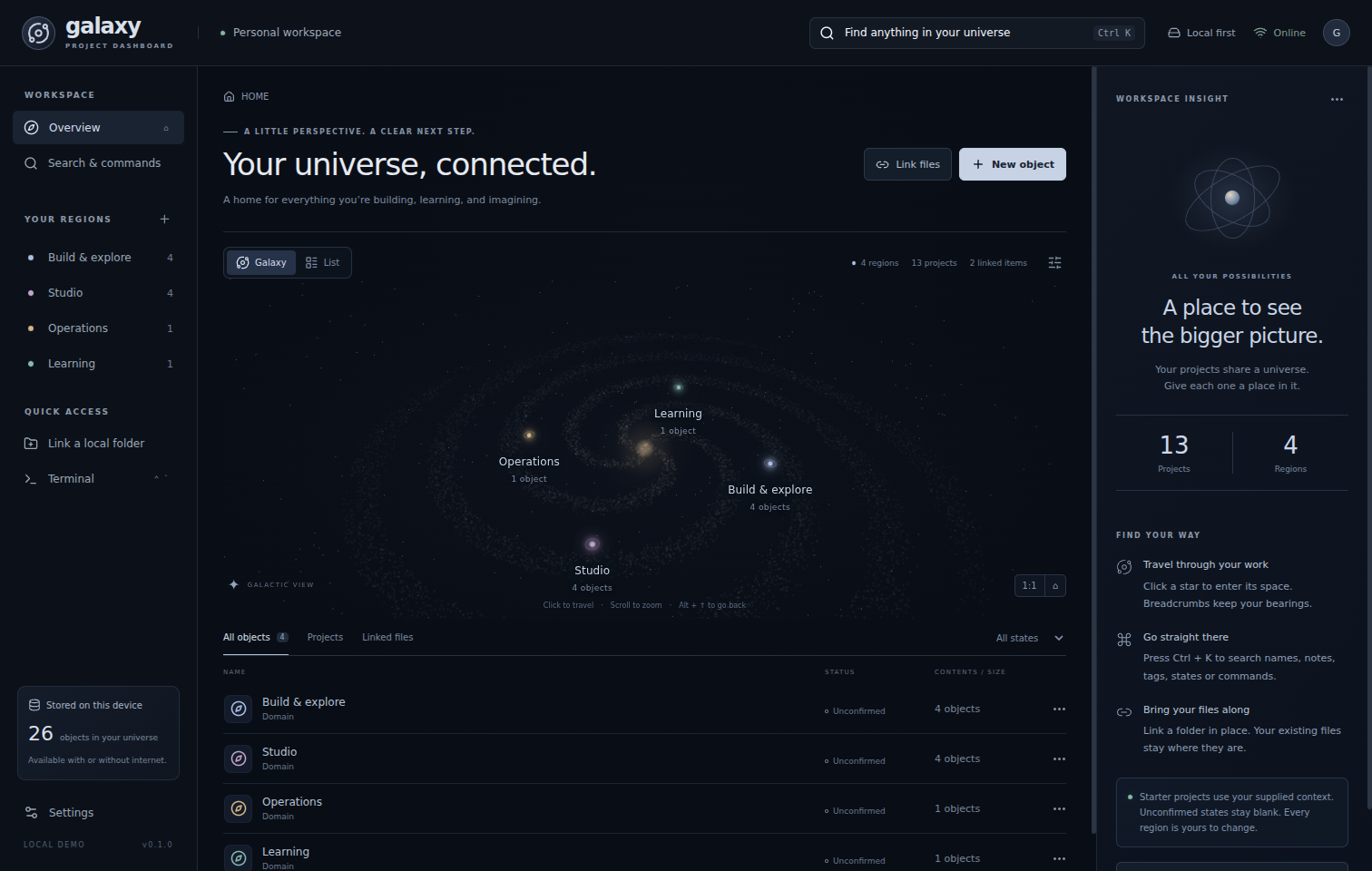
What I wanted to explore
I wanted to explore whether spatial navigation could make a collection of projects and local files easier to understand and organize.
After building locally, create projects, search names and notes, link a test folder, and preview bundled sample media. Galaxy uses desktop file access and SQLite, so it is offered as a download rather than a browser app.
Contribution and AI assistance
I’m sharing this prototype with AI assistance in preparing the public download and this guide. The source package does not document the original development roles, so I’m keeping that attribution open.
In the download
- Application source, dependency lockfile and developer test scripts.
- Neutral starter examples and synthetic sample media.
- Setup instructions, limitations and third-party notices.
No executable, installer, personal workspace database, private project notes or linked personal files are included.
Download the READMEDownload checksum (SHA-256)
b7a3f0851171594a6fe642b2d05ec607c93a14159413037e5810faf770dff842Before using real files
This is a prototype, not a production-ready file manager. Start with a disposable folder and back up originals independently. Confirmed disk actions can rename, move or recycle actual files. Metadata backups do not back up those files.
- Folders need manual rescanning; search indexes metadata, not document contents.
- AI connectors are not enabled. Local use needs no AI credits or API keys.
- No cloud sync, auto-updater or filesystem undo stack.
- Imports are limited to 5,000 items and 12 directory levels per scan.
Testing status
Six automated core tests passed while this edition was prepared. The original README reports sixteen Electron workflow checks on Linux; those UI checks and a full desktop build have not been rerun for this website addition.
Native Windows execution still needs validation. I’m offering the source edition here, not the Windows executable mentioned in the original documentation. I’m not claiming an independent security audit or code signing.